CSS Grid Chessboard
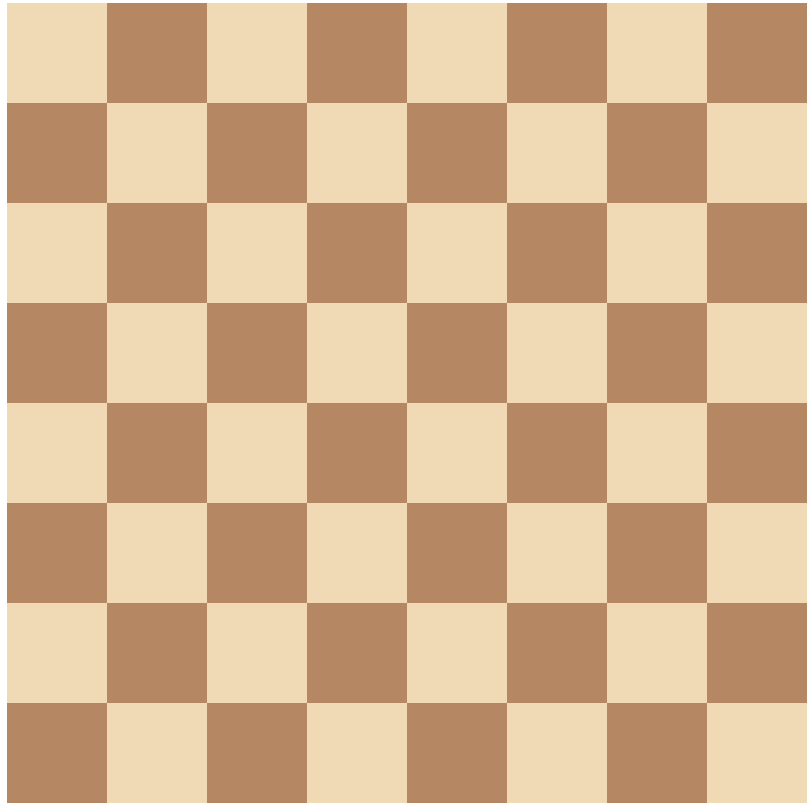
A responsive 8×8 chessboard layout built using only HTML and CSS Grid.
This project showcases a clean, responsive 8×8 chessboard layout built entirely with HTML and CSS Grid. It highlights the power of CSS Grid in creating structured, balanced layouts without relying on JavaScript, images, or external libraries.
Each square is styled using nth-child selectors, which create the alternating black-and-white tile pattern seen on a traditional chessboard. As a result, the design is both accurate and visually pleasing. The layout maintains symmetry using uniform rows and columns. Because of this, it adapts perfectly across screen sizes—whether on desktops, tablets, or mobile devices.
In addition, the project uses only semantic HTML and modern CSS. There are no external dependencies, making it lightweight and fast-loading. It is ideal for those learning CSS Grid or seeking to demonstrate their skills in a portfolio. It also serves as a helpful teaching tool to show how layout and structure can be achieved without complex code.
Moreover, this chessboard project proves that CSS alone can handle challenges that developers often assign to JavaScript. Transition words and logical flow have been carefully integrated to improve readability and SEO performance. Unlike some beginner examples, this version refines responsiveness and visual clarity to a higher standard.
You can enhance this project further by adding interactivity with JavaScript or including chess pieces using SVGs or icons. However, even without these features, the layout stands strong as a well-executed, professional display of frontend techniques.
To sum up, this chessboard is a strong example of clean code, thoughtful design, and practical CSS Grid implementation. Whether used for learning, inspiration, or client presentation, it delivers both function and style through core web technologies alone.
Tools Used
Features of CSS Grid Chessboard
📱Responsive Layout
Adjusts gracefully across mobile, tablet, and desktop screens.
📐 Clean Grid-based Design
Uses structured layout for easy readability and visual balance.
💻 Pure HTML & CSS (No JS)
Crafted without JavaScript for a lightweight, fast-loading experience.
🟫 CSS Grid Fundamentals
Learned to use CSS Grid properties to build structured and flexible layouts.
🧩 Pattern Creation with Selectors
Used :nth-child() selectors to create alternating tile patterns efficiently.
📐 Cell Alignment & Layout Symmetry
Maintained consistent alignment for a balanced and organized layout.
📱 Responsive Design Techniques
Built layouts that adapt smoothly across mobile, tablet, and desktop screens.
⚡Lightweight, Dependency-Free Design
Created the project using pure HTML and CSS without external libraries.